← All examplesQuoting and CRM
A manufacturer and installer · Quoting
From a napkin sketch to a contract, in one tool.
Nothing about quoting was digital. Now the salesperson draws the job, prices it, and sends the contract from one place, and everyone can see where every quote stands.
How a quote is made now
Draw the job. The estimate and the contract follow.
A plan builder made for the job: rooms snap together wall to wall, doors drop into place, and every wall is measured as it is drawn. The tool prices the plan from the price book, writes the contract proposal, and publishes the quote to the ERP.
4 rooms4 doors1,365 sq ftScale 1/4" to 1'
Published to the ERP
Contract proposal · PQ-1428
Harbor Fresh Market
Store 7 remodel
Total$46,900
Accepted byDate
Estimate from the plan
- Room 1374 sq ft$11,220
- Room 2306 sq ft$9,180
- Room 3165 sq ft$4,950
- Room 4520 sq ft$15,600
- Swing door2$1,900
- Slider door1$2,400
- Pocket door1$1,650
Total$46,900
Generate contract
BEFORE · FIVE HAND-OFFS, ALL ON PAPER
- 1
Sketched on a napkin
The job was sketched by hand, sometimes on a napkin.
- 2
Priced with a pencil
It was priced from paper pricing sheets with a pencil and a calculator.
- 3
Filed in a manila folder
The quote went into a manila folder in the salesperson's office.
- 4
Typed up again
Someone else typed it up as a contract and loaded it into a system that didn't track quotes.
- 5
Followed up from memory
Follow-ups depended on memory. Nobody knew where a project stood.
After the quote goes out
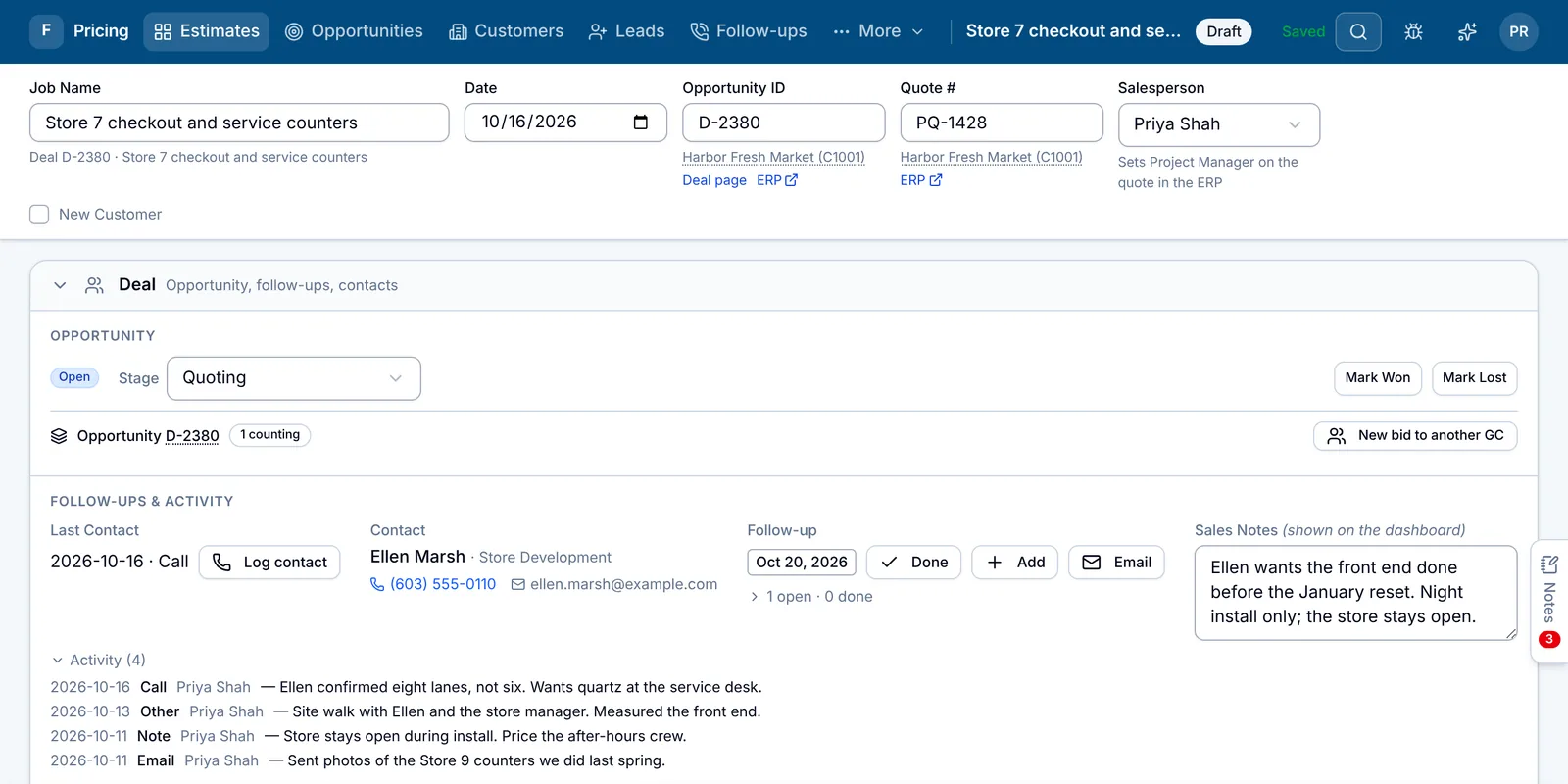
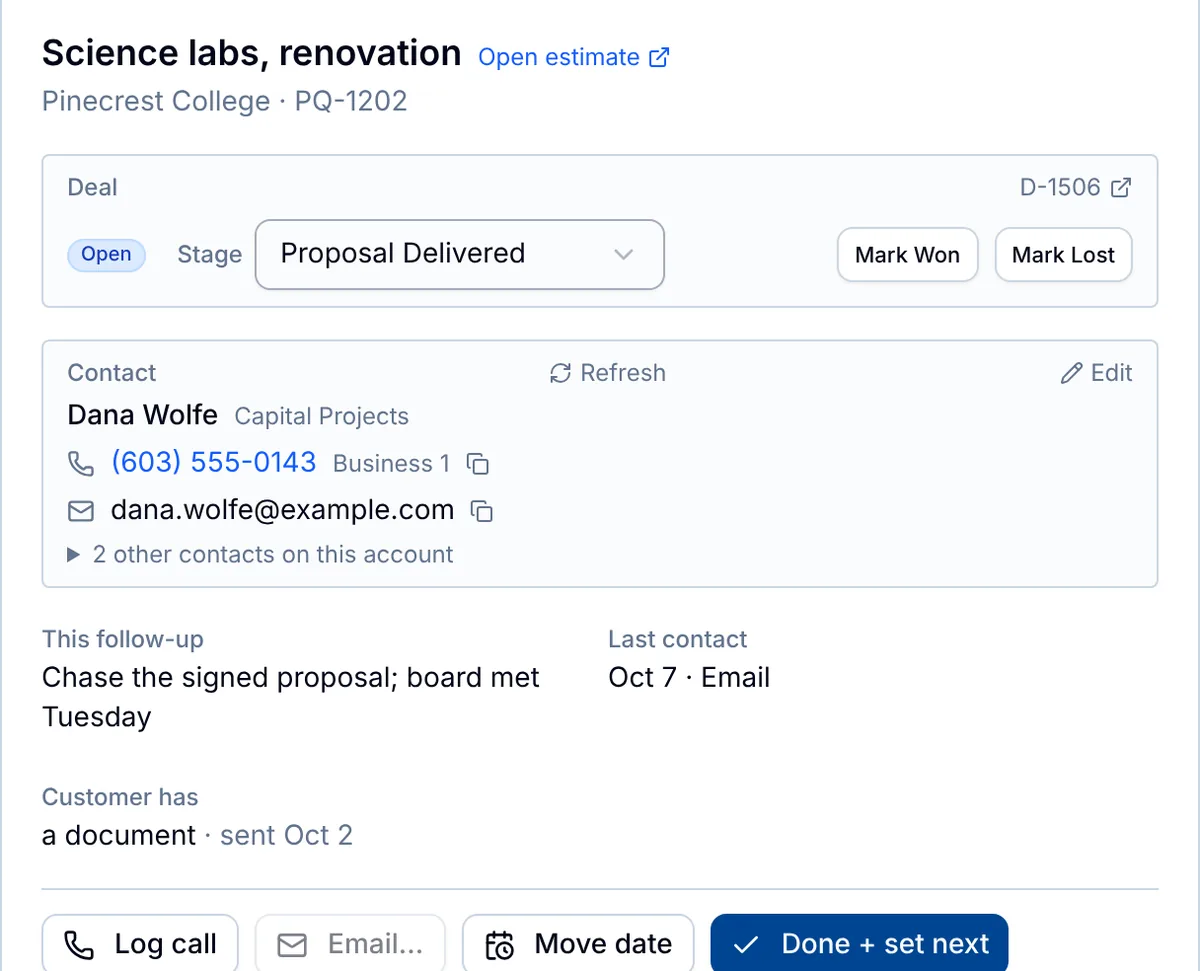
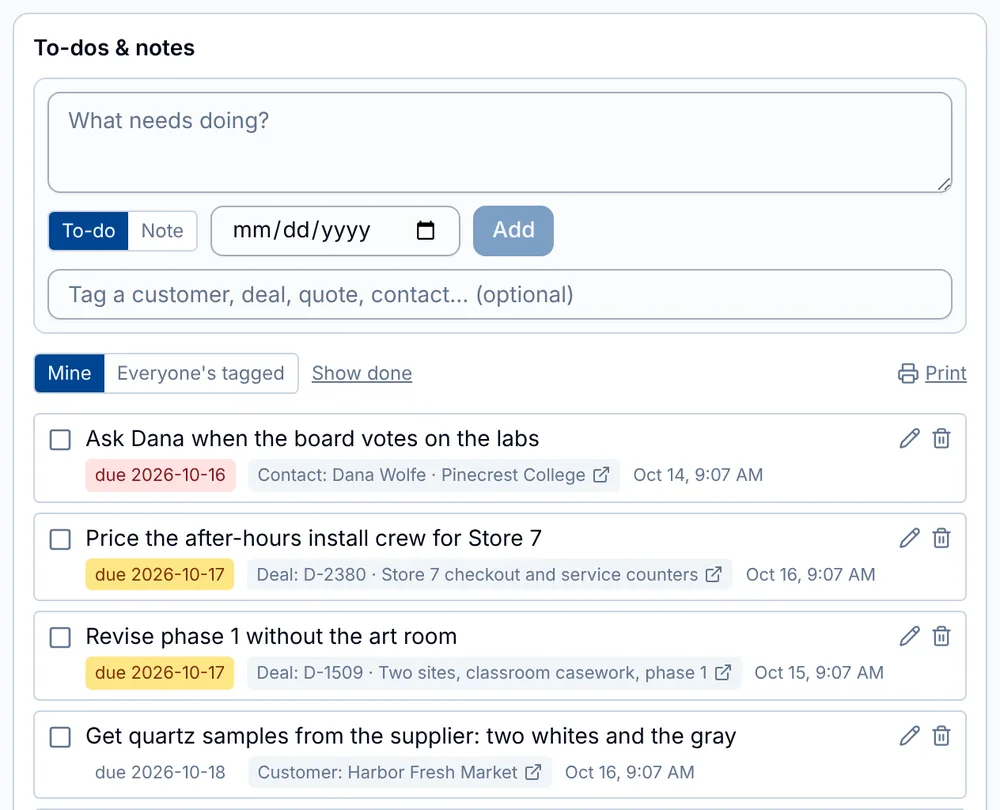
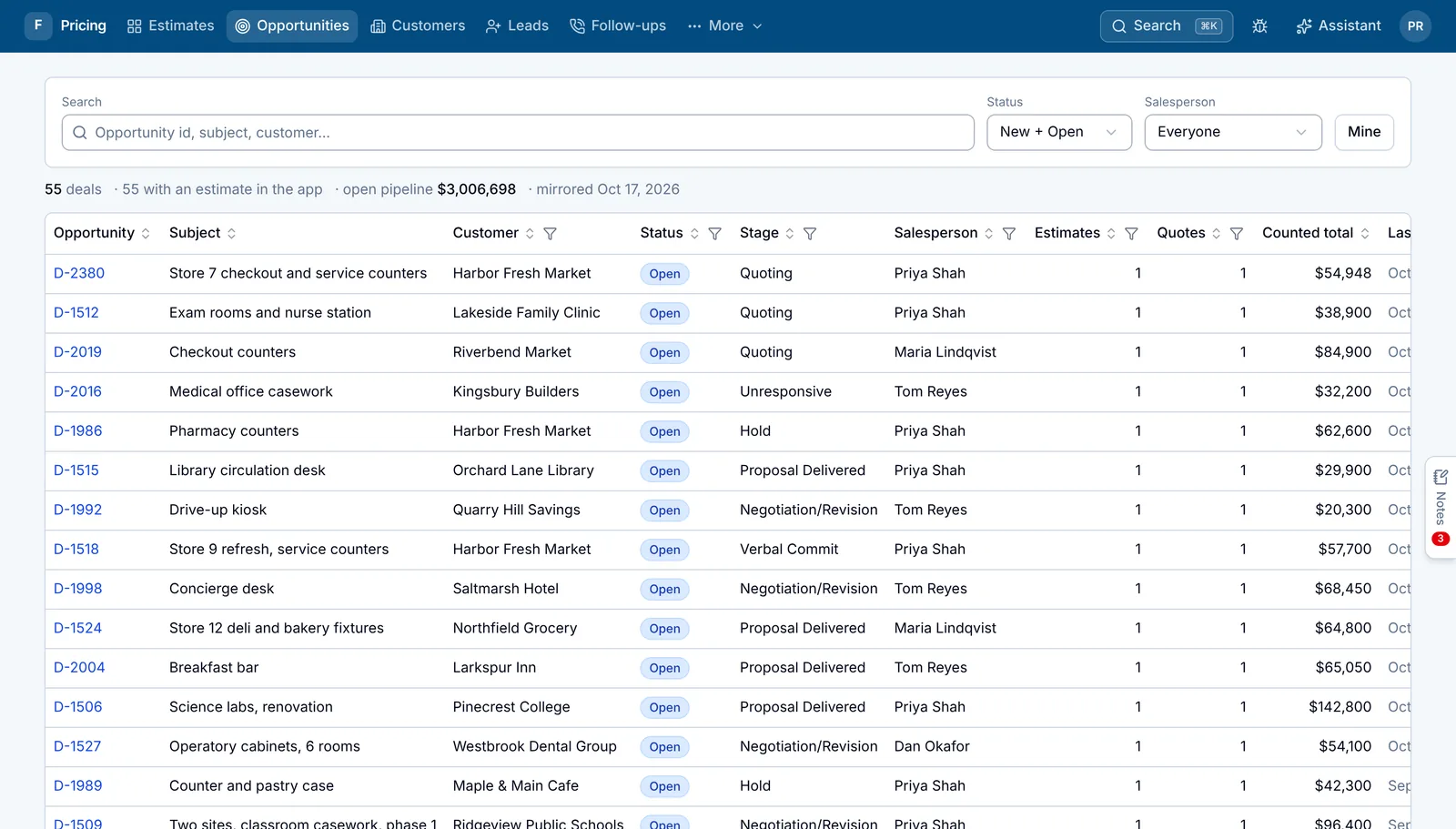
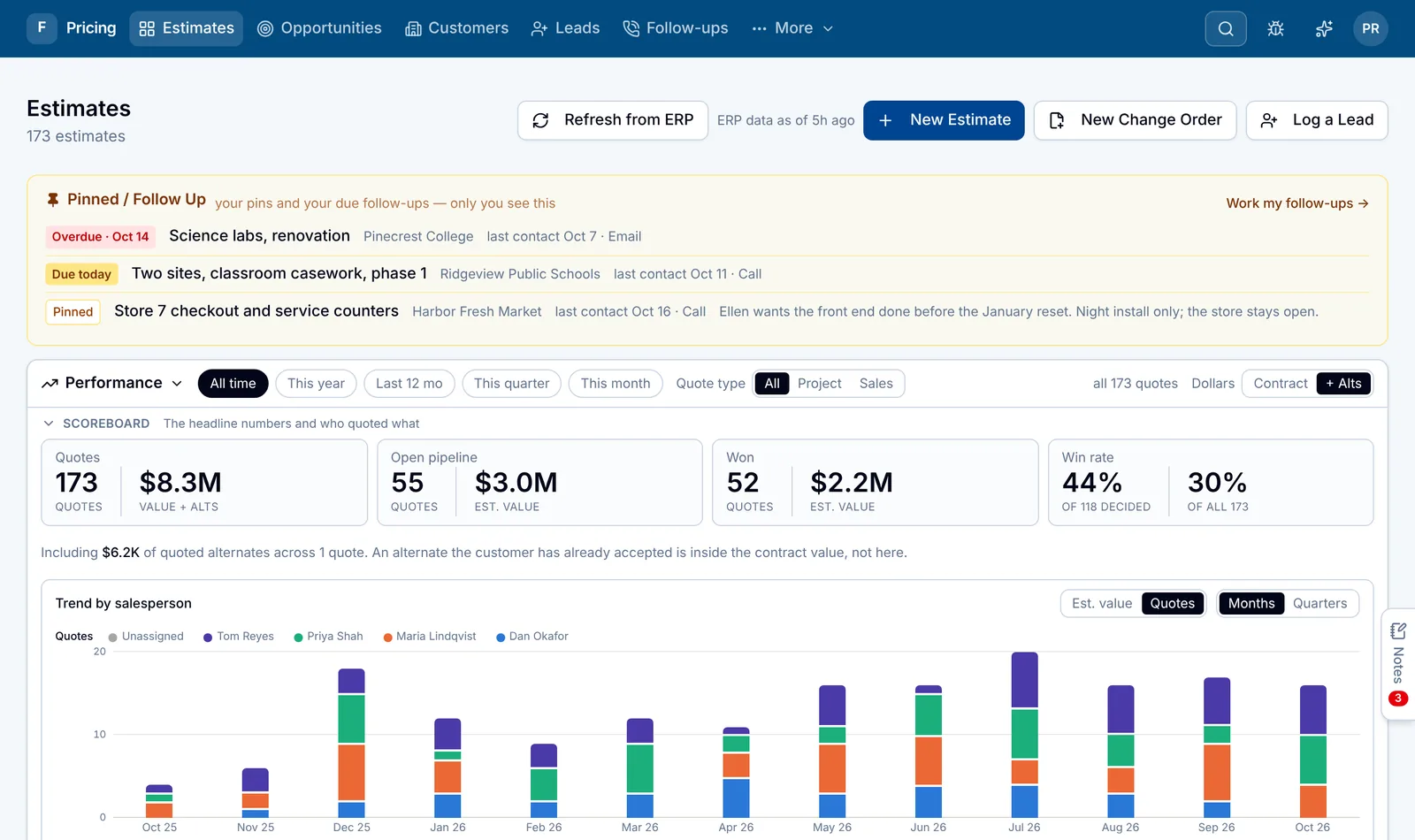
Then the tool follows the deal.
Each quote keeps its deal with it: who the contact is, what was said, and when to call next. Every screen shows sample data.
Which workflow costs you the most?
Tell us about it. We'll listen, then map it with you.
Or write to hello@staynative.ai